

 Written by Levi Torres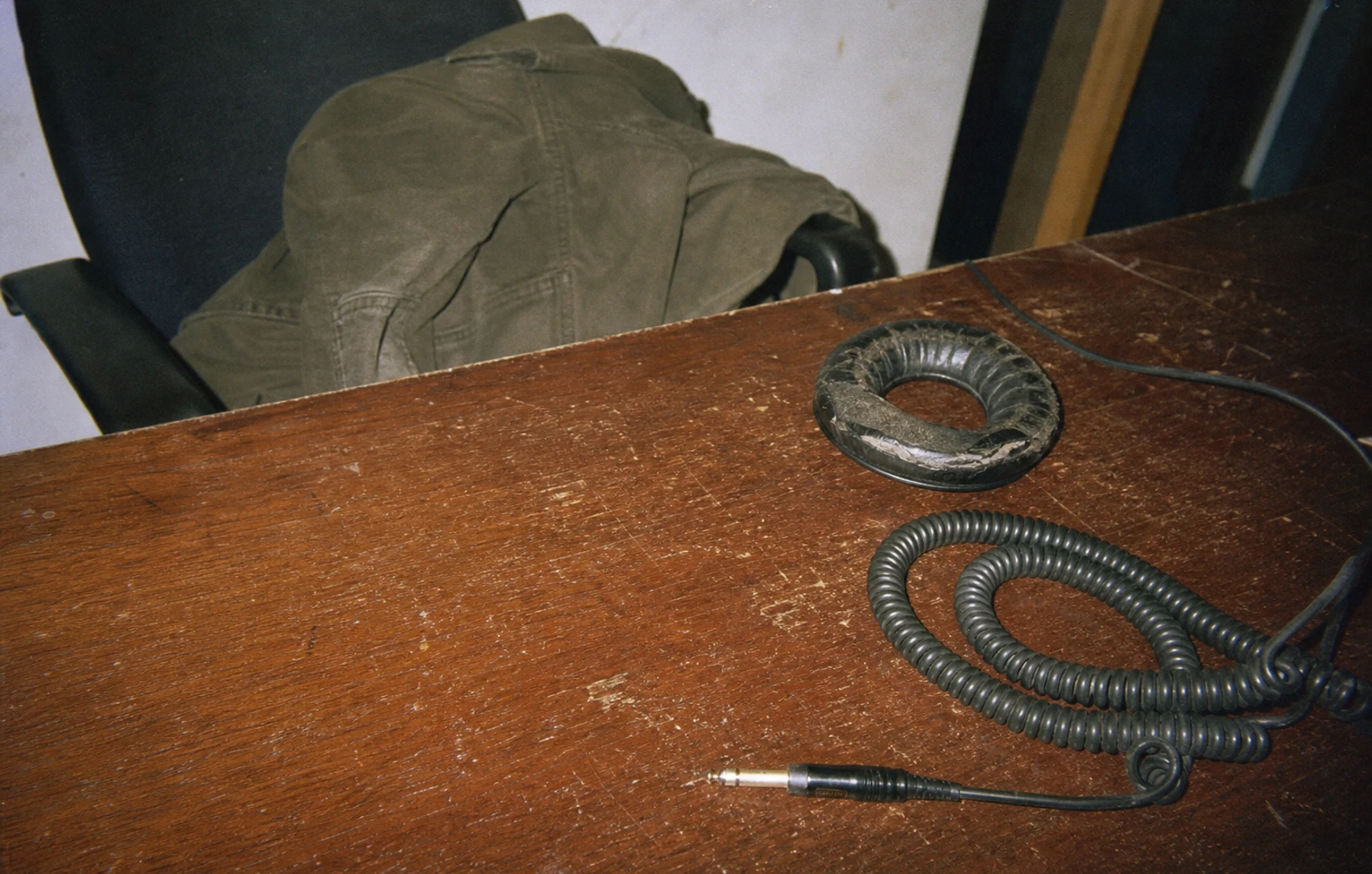
Three tiers, several jobs
Sony is launching three headphone models aimed at entry-level, mid-range and premium budgets, according to MusicTech’s September 8 report. That is an easy ladder to understand on a product page. A musician’s week can be less orderly: rough mixes on a bus, editing at a laptop, then a vocal take beside the wardrobe.
Those jobs reward different things. Convenient wireless listening can be a perfectly sensible purchase. Recording a live input brings delay and connection compatibility into the decision. One pair doing several jobs is a normal budget constraint, especially when the same money pot also pays for rehearsal.
This is a cross-brand buying checklist, with no hands-on verdict on Sony’s new models. Start by giving your next pair an actual device and task: phone listening on the commute, perhaps, or hearing your voice through an interface while recording. If it must cover both, put both on the page before deciding which price band to browse.
Follow the socket
Start with the job most sensitive to delay. When you play guitar through software or monitor a vocal through a computer, a Bluetooth connection can add an audible gap between the action and what reaches your ears. Reducing the DAW’s buffer does not remove delay introduced farther along the wireless path.
For recording, look for a documented wired route from your interface’s headphone output. You will still need to configure interface or software monitoring correctly. The cable simply removes one potential source of delay and connection friction.
Check the exact model’s manual. A USB-C socket can happily charge headphones that have no USB audio input. Your guitar take will need another route. If analog input is available, establish which cable it requires and whether playback works with an empty battery. Check any documented differences between powered and passive operation, too.
Write down every required adapter. A connection that depends on an obscure cable you cannot readily replace deserves attention before the first session.
For phone-first listening, test pairing and reconnection with the devices you actually use whenever a demo or trial permits. Switching between a laptop and phone is worth checking directly if that handoff happens throughout your day.
Keep the click off the mic
Headphones used around an open microphone have another assignment: keeping the backing track out of the recording. A closed-back design is worth considering, but the label alone cannot establish how much sound escapes. Fit and playback level also matter.
Here is a useful check to perform during an available trial. Wear the headphones normally, run your usual click or backing track, and record a few quiet seconds from your normal vocal position. Mute the backing track afterward and play the microphone recording. Listen for the click, particularly where a quiet vocal or exposed ending would leave it uncovered.
If spill is troublesome, try a lower backing-track level and check the pad seal before changing the whole recording setup. Keep the monitoring loud enough to perform comfortably, rather than chasing an inaudible click at the expense of timing.
If a model offers active noise cancellation, assess that for outside noise during everyday listening. Its usefulness on a commute tells you little about how much backing track reaches your microphone.
Give fit a proper trial
A quick chorus in a shop can establish an obvious problem. Longer use reveals the less theatrical ones: a headband that becomes annoying, cups that shift when you look down at a keyboard, or cushions that crowd your ears.
Try your normal glasses or cap. Move as you would while playing or editing. Where a demonstration or return policy allows, give the fit some time rather than treating the first comfortable minute as a final answer. Check the actual policy before relying on a home trial.
For listening comparisons, use familiar recordings and keep perceived loudness reasonably close. A louder demonstration can sound more exciting without telling you much about the qualities you will value later. Where available, switch off optional EQ and spatial effects for an initial comparison, then try the settings you would actually use.
A bass-heavy presentation is a valid preference. When checking your own mixes on that pair, keep familiar reference tracks nearby and use consistent settings. That gives you something more useful than trying to remember what neutral supposedly sounded like last Saturday.
Look for the wear parts
Before committing money, find out how the cushions attach and who supplies replacements for the exact model. A product photograph rarely answers either question. Look for instructions, a part number and an identifiable supplier.
Cushions affect the seal and the distance between the driver and your ear, so a replacement can change the sound as well as the feel. A listing that says a pad fits several vaguely similar headphones deserves a closer look. Follow the manufacturer’s cleaning guidance, too. Household cleaning improvisation can turn a small maintenance job into a shopping trip.
For battery-powered headphones, investigate the service route. Establish whether battery replacement is documented, whether a qualified service provider offers it and what arrangements apply where you live. Visible screws alone promise very little about parts access. Avoid opening a battery-powered product on guesswork.
Add required cables and likely wear parts to your comparison. A cheaper pair can remain the sensible choice. Knowing what happens when its cushions wear out simply makes that decision better informed. Expensive headphones need the same scrutiny.
Write the shortlist by task
Once those checks are done, the shopping list should get shorter. Use the job description to decide which compromises you can tolerate:
- Mostly commuting and desk listening: Prioritize fit, reliable connection to your own devices and whichever isolation features you find useful. Enjoyable sound belongs on the list without an apology attached.
- Mostly recording: Confirm the wired signal path and check spill near your microphone. Give long-session comfort proper weight. Wireless convenience can wait until those requirements are covered.
- One pair for both: Verify each mode separately. Charging support does not establish USB audio support, and an analog socket does not establish battery-free playback. Keep the necessary cable with the headphones.
There is no need to make every purchase serve an imaginary future studio. If your current wired pair still handles overdubs comfortably, it can stay beside the interface while you assess a commuter pair on its own terms.
For a one-pair replacement, keep the recording connection in the brief all the way through. And check the old pair before retiring it. If its only fault is worn cushions, look up the correct replacement part and fitting instructions before consigning the whole thing to the cupboard.
Comments
No comments yet.