

 Written by Avery Knox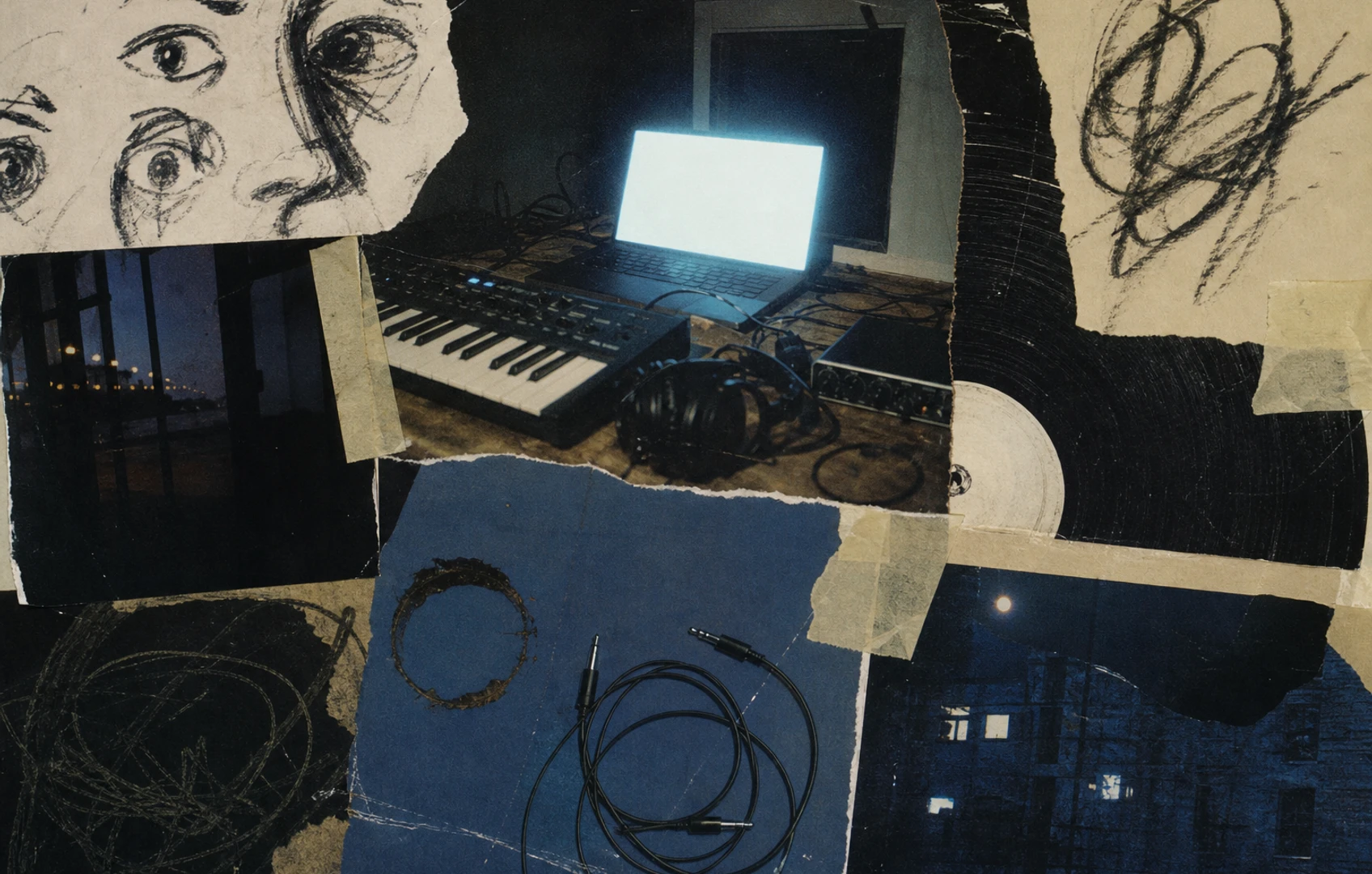
The studio behind the tab
A studio session often begins with administration. Launch the app, select the interface, approve an update, find the template, remember which drive holds the samples. By the time the blank bar starts blinking, the melody can feel like a voicemail from somebody who has already hung up.
MusicRadar’s recent look at free browser-based production tools captures a meaningful threshold. Effects and instruments now sit alongside multitrack, DAW-style environments, many with a free point of entry. A browser can hold recording, sequencing, arranging and mixing tools without asking the musician to install a conventional production suite first.
Replacement talk makes an effective headline. It is a poor workflow test. A browser DAW earns its place by owning a useful phase of the process. For many musicians, that phase is the first hour, when a voice memo needs chords, a drum pattern needs structure, and a collaborator needs access before everyone’s attention drifts elsewhere.
Why the first ten minutes changed
A maintained desktop rig can open quickly. Friction returns on a borrowed computer, a school machine, a secondary laptop or any setup missing the correct plug-ins and sample paths. A browser app can compress that setup when the project opens from a link and the essential instruments are already inside it.
That compression changes creative decisions. A rough vocal can be recorded while its phrasing is still fresh. Eight bars can become an arrangement before the loop acquires permanent furniture status. A collaborator can respond to the session itself instead of receiving a bounced file called final_mix_new_4.
Browser tools introduce their own tollbooths. Accounts, microphone permissions, connection problems and unfamiliar file handling can consume the time saved by skipping an installer. Measure speed from the first impulse to a recoverable project. A landing page that produces one quick kick drum tells you very little about whether tomorrow’s session will reopen intact.
What a serious tab must do
Full DAW has become an elastic label. A handsome timeline and a grid of colored clips can conceal major gaps. Before moving an actual song into a browser, ask five plain questions:
- Can it record from the intended input and make the monitoring state obvious?
- Can clips be trimmed, split, moved, duplicated and faded while preserving the source recording?
- Can note data be edited with enough control for the parts being written?
- Can volume, effects and tempo changes be automated where the arrangement needs movement?
- Can the project leave as a stereo mix, separate audio parts and MIDI when required?
Feature abundance matters less than continuity. A dazzling built-in synth has limited value when its part cannot be transferred in a useful form. A large loop library becomes a liability when the producer cannot tell what has been copied into the project and what still depends on the service.
The required depth also depends on the work. Audio-first producers should examine editing and export. Keyboard players need predictable timing and controller behavior. Sample-based musicians need clear import, storage and file-relinking rules. The right browser DAW is the one whose missing features appear after its assigned job is finished.
The handoff reveals the limits
Every sketch eventually asks whether it can grow. This is where mature desktop setups often have an advantage. Years of plug-in support, hardware routing, comping habits, keyboard shortcuts and project archiving form a production system that is difficult to reproduce inside one tab.
Four pressure points deserve attention:
- Monitoring: Record through the interface and headphones used in normal sessions. A small monitoring delay can pull a singer behind the beat or make a guitarist play cautiously.
- Recovery: Find out how saving works, whether version history exists, and what happens after the browser closes unexpectedly. Check the app’s stated offline behavior before relying on it away from a connection.
- Portability: Inspect the available export formats. A stereo bounce may suit a demo, while a mix handoff can require individual tracks, sensible start points and MIDI files.
- Dependence: Review storage limits, deletion controls and content-use terms before uploading unreleased work. Keep source recordings somewhere under your own control.
Rehearse the handoff while the session is disposable. If an app exports only the rough mix needed for rehearsal, give it that job. If it delivers organized parts that line up correctly in the main production system, it can stay involved much longer.
Run the twenty-minute session test
A feature page cannot reveal how a tool behaves under your fingers. Run a short, deliberately ordinary session before committing a song:
1. Create a blank project with the interface, microphone and controller normally used for writing.
2. Record one minute of audio while monitoring. Listen for delay, glitches and confusing input behavior.
3. Add an eight-bar instrument part. Edit several notes, change velocity or dynamics, and correct one timing mistake.
4. Split the audio, move a phrase, add a fade and automate one effect. These small operations expose clumsy editing faster than a factory demo does.
5. Build a short arrangement with an intro, a main section and an ending. Save it, close the browser, then reopen the project through the normal account flow.
6. Export a stereo mix and every separate part the app permits. Import those files into the production system that would receive the finished sketch.
7. If collaboration or offline use is advertised, test those functions through the documented method instead of assuming the project will behave like a local folder.
Keep copies of original recordings outside the platform throughout the trial. At the end, note the first obstruction. An export problem assigns the browser to capture and preproduction. An input problem disqualifies it before the red record light comes on.
Give the browser one job
A browser DAW can serve as a quick capture pad on a secondary computer, a shared preproduction room for collaborators, a teaching sandbox or a travel notebook. Each role asks for a different balance of immediacy and depth. The travel notebook needs reliable recovery. The collaboration room needs permissions that ordinary humans can understand. The capture pad needs recording to work before inspiration begins filling out paperwork.
Some musicians will find enough depth to keep whole projects online. Others will route every promising sketch into a desktop DAW after the arrangement takes shape. Both approaches benefit from a clear boundary. Decide where the browser session ends, decide which files must exist locally, and name the exports before a folder fills with anonymous bounces.
At 1:07 a.m., the useful result is wonderfully plain: a named project that reopens, a vocal take stored safely, and an arrangement a collaborator can hear without technical rescue. The glowing tab has done enough.
Comments
No comments yet.